ai.uod (Open WebUI)
Open WebUI is an open-source web interface designed for interacting with Large Language Models (LLMs), providing a user-friendly platform for accessing LLM inference backends while ensuring privacy.
eResearch Solutions hosts an instance at https://ai.uod.otago.ac.nz, intended to be used as a user-friendly interface to our LLM gateway.
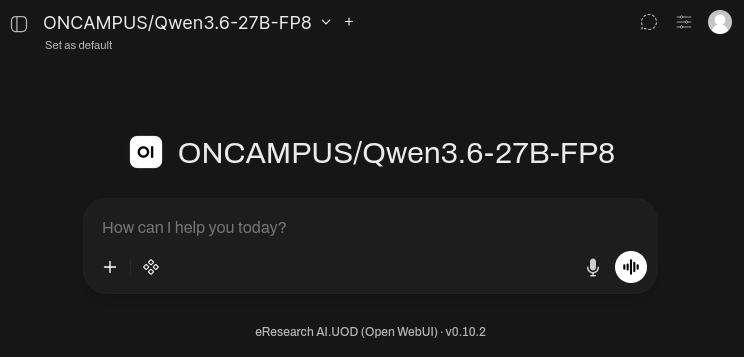
Local Data Processing
The ai.uod web application is hosted on-campus, and when combined with the self-hosted ONCAMPUS LLM models, provides a solution that completely operates on-campus without relying on any external/cloud-based services.
Be aware though that any of the following will NOT meet local data processing requirements:
- when using cloud LLM models (i.e. any model not prefixed with "
ONCAMPUS/") - when enabling Web Search, search queries are proxied through a local metasearch proxy to various Internet search providers, and may leak data in the query
- when enabling Voice Mode or 'Read Aloud', the text-to-speech responses are processed through Microsoft's online text-to-speech service
Access
Access to ai.uod is by request. Email rtis.support@otago.ac.nz detailing your particular usecase.
This system is intended for research-related purposes only.
Models
Specific models are made available via the eResearch LLM proxy
Initial Setup
On first login, the model list will be empty; You will need to connect your ai.uod profile with the eResearch LLM proxy using your personal API access key that will have been provided to you.
- Top right, click on profile >
Settings Connections+ Add Connection- URL:
https://llm.uod.otago.ac.nz/v1 - Key: (paste your API access key; This is a string starting with '
sk-....')
- URL:
- Leave the rest default, and
Save
The model list should now be populated with the models that are accessible to you.
Usage
Please refer to the Open WebUI documentation - https://docs.openwebui.com/getting-started/essentials